DCC Jogbox
Replacing a fragmented shop floor workflow with a single handheld device, and what a failed commercial launch taught about the limits of good design.
industrial-ux · hmi · field-research · manufacturing
Coordinate Measurement Machines are the quality assurance backbone of precision manufacturing: aerospace, automotive, semiconductor fabrication. For most of that history, the operator experience was a desktop PC on the shop floor, tethered to a separate joystick controller, with no visibility into a measurement until it finished. The ask: replace all of that with a single handheld device — a touchscreen, a physical controller, an embedded Windows computer, integrated into one unit.
The Problem
Coordinate Measurement Machines are the quality assurance backbone of precision manufacturing. Aerospace. Automotive. Semiconductor fabrication. Camera optics. If a part needs to be measured to tolerances in microns, there's a CMM involved somewhere upstream.
The operator experience, for most of that history, looked like this: a full desktop computer bolted to the shop floor, running legacy control software, tethered to a separate physical joystick controller. The operator would load a routine on the PC, walk to the machine, run the measurement, walk back, wait for the report. Routines could run for hours. If a part came out of tolerance partway through, you wouldn't know until the end.
The ask was to replace all of that with a single handheld device: an embedded Windows computer, a touchscreen interface, and a physical controller, integrated into one unit. Internally named the BB8. Later: the DCC.
This was one of my first lead UX roles at Octo. I came in to a problem that was simultaneously a hardware design challenge, a software interface challenge, and a field research challenge, in an industry I knew nothing about.
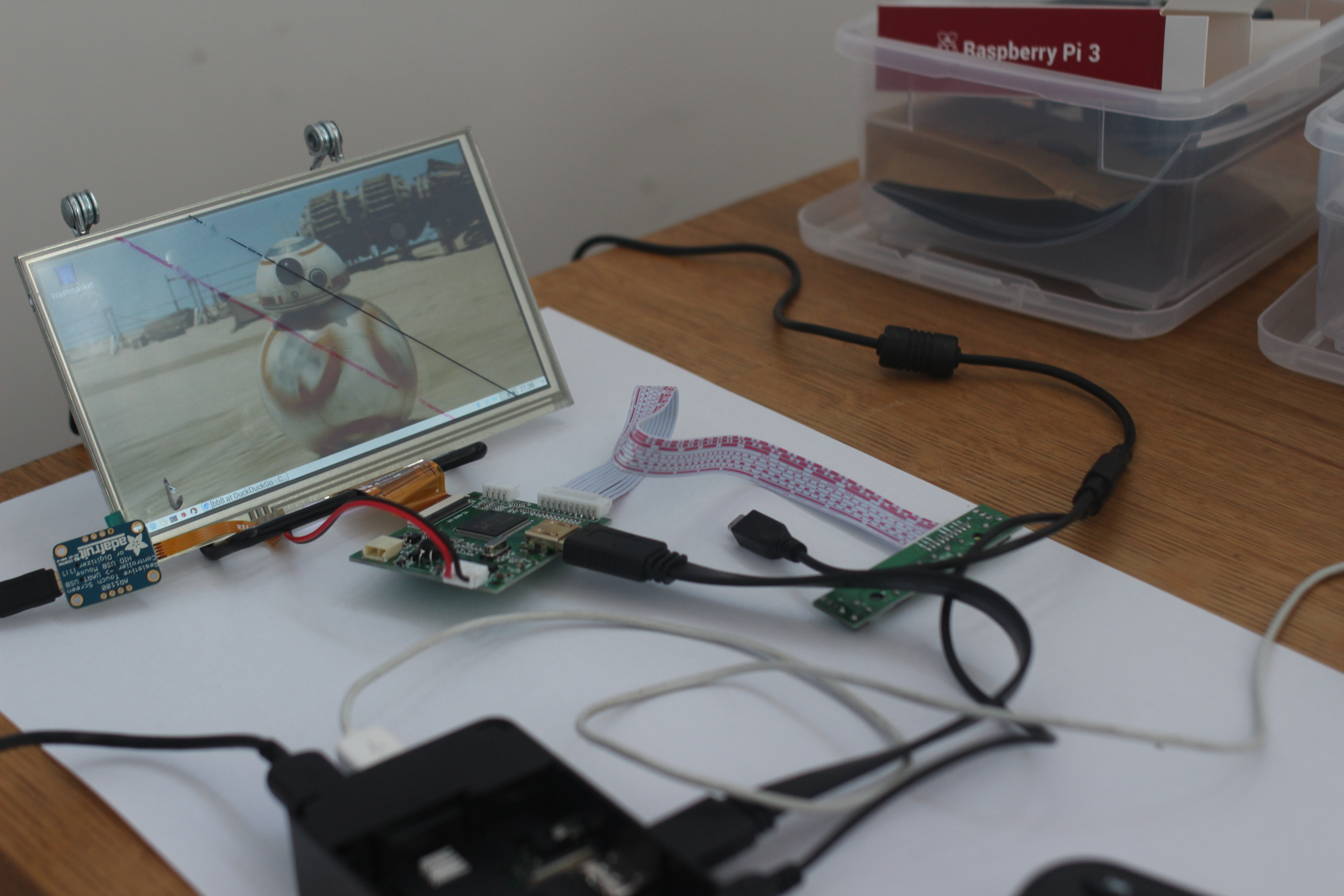 // field.context · the operator environment · precision manufacturing at scale
Going into the Field
We couldn't design this from a conference room. CMM operators aren't a user group you can recruit through normal channels, and the workflows we needed to understand were deeply embedded in specific shop floor environments — their own culture, their own vocabulary, their own relationship to tools.
So we went to them.
Over several months, we ran a multi-site research tour: Panavision's optics facilities, SpaceX manufacturing operations, Tier 2 suppliers for Airbus and Boeing. Across those sites we ran structured interviews, observed operators in context, and used worksheets to map the specific rhythms of their workday: what they touched, what they waited on, what they wished they didn't have to do twice.
We also brought prototypes. Not polished ones: 3D-printed, non-functional mock-ups of the controller form factor, sized and weighted to give operators something to hold and react to. And a clickable software prototype loaded onto a Raspberry Pi touchscreen, showing what a new interaction paradigm might feel like without requiring a finished product.
That combination — physical prototype and interactive digital prototype, shown simultaneously — let us have a conversation about the whole device, not just its parts. Operators could hold the controller in one hand, tap through the touchscreen interface with the other, and tell us what felt wrong before we'd built anything real.
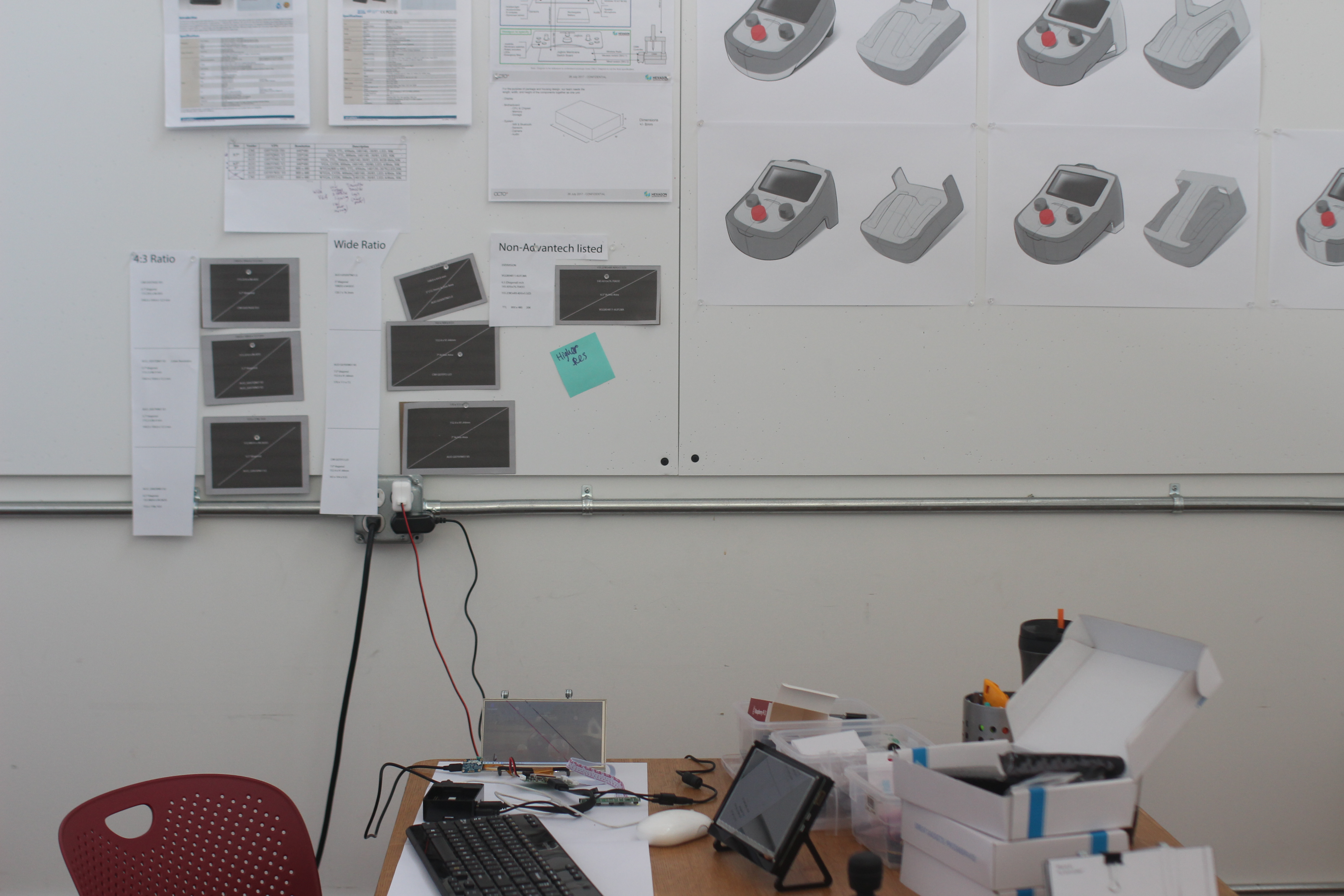 // field.research · spacex · panavision · go to where the work actually happens
What We Learned
The clearest insight came from the controller itself: operators responded immediately and positively to the dual-thumbstick design. The analogy was gaming controllers — Xbox, PlayStation — and it wasn't accidental. The manufacturing workforce is younger than the equipment they operate, and the muscle memory they bring to precision physical control is increasingly shaped by gaming, not by legacy industrial joysticks. Meeting them there, rather than replicating the incumbent form factor, felt natural in a way that mattered for training and adoption.
The touchscreen ergonomics required its own design pass. The device would be held in one hand while being operated with the other, which meant mapping where the thumb could reach, what required deliberate two-handed intent, and what should be impossible to trigger accidentally during a measurement routine. We divided the screen into zones: frequently used controls along the left and right edges for single-thumb access; deliberate actions in the center, requiring the operator to stabilize the device and use their other hand. Accidental input at the wrong moment in a precision measurement is a real cost. The layout had to make errors harder to make, not just easier to recover from.
The "recently used routines" feature unlocked a surprisingly large reaction. Operators run the same measurement routines repeatedly — same parts, same checks, different shifts. Surfacing those routines immediately, without logging into a desktop, without navigating a file system, shaved meaningful time off a workflow that was fundamentally repetitive. Small interaction gains at high repetition frequency compound.
We also added a camera: for an immediate use case and a future one. Immediately, operators could photograph a correctly fixtured part as a visual reference for the next shift — no ambiguity about setup, no verbal handoff required. The future use case was computer vision: automatic part recognition feeding routine suggestions. The hardware was ready for the feature before the feature was ready for the hardware.
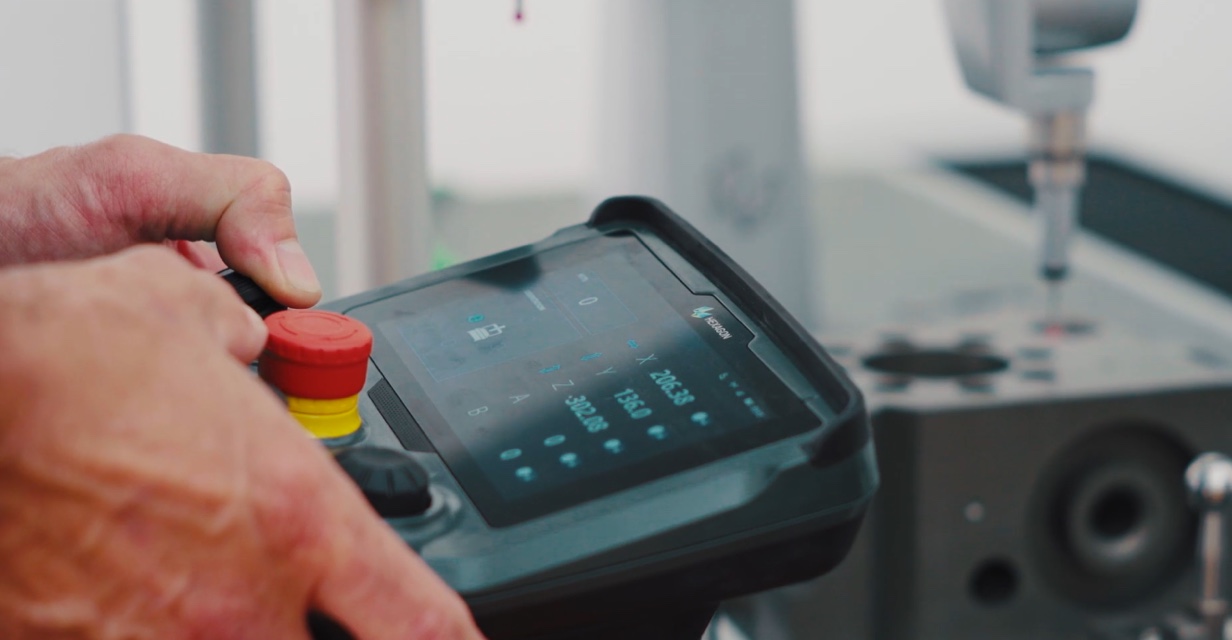 // dcc.jogbox · final device · dual-thumbstick · touchscreen ergonomic zones · embedded windows
The Outcome
The DCC was a genuinely good product. The research held up. The ergonomics worked. The interaction model was more intuitive than what it replaced. Operators who used it understood it quickly and responded well in testing.
Commercially, it didn't find the traction the product deserved.
What I Learned Here
This project is where I internalized something I now consider foundational: great UX and great product design are necessary, but they are not sufficient. They exist inside a larger system — a business strategy, a pricing model, a sales motion, a market readiness curve — and if that system isn't constructed with the same rigor as the design work, the product's life is threatened regardless of how good the experience is.
The manufacturing industry adopts new hardware slowly, for understandable reasons. Shops running CMMs that are decades old have infrastructure, software licenses, and workflows that function well enough. The cost delta between a standard jog box and the DCC was real, and the ROI case, while legitimate, required a level of organizational conviction that the go-to-market strategy hadn't fully built.
The design wasn't the variable that needed fixing. But design leadership that doesn't ask the business questions — early, directly, before the research tour begins — is operating with incomplete information. I came away with a sharper instinct for asking those questions upfront: what does commercial success actually look like for this product, who owns that outcome, and is the path to it as well-designed as the thing we're building?
That question has shaped how I enter every engagement since.
What I'm Proud Of
The field research. We went to SpaceX. We went to Panavision. We watched people do precision work in environments that demanded precision from us in return — precision in what we observed, what we asked, what we concluded. That instinct for going to where the work actually happens, rather than simulating it in a usability lab, is something I've carried into every complex domain engagement since.
The ergonomic zone framework for the touchscreen is also something I'm proud of: not because it's a novel concept, but because it was derived directly from the physical reality of how the device would be held. It wasn't a UI pattern applied to a hardware constraint. It was a design response to an embodied problem. That distinction matters to me.